
Microsoft Copilot Chat: Your AI Assistant in Microsoft 365
In today's fast-paced business environment, finding ways to work smarter rather than harder has never been more important. Microsoft has made a significant move to help businesses of all sizes by including Copilot Chat automatically in eligible Microsoft 365 subscriptions at no additional cost. But what exactly is Copilot Chat, and how does it differ from the full Microsoft 365 Copilot? Let's break it down.
What is Microsoft Copilot Chat?
Copilot Chat is an AI prompt and response experience that's automatically included and available to organisations that have an eligible Microsoft 365 subscription. Think of it as your AI assistant that lives right inside the Microsoft 365 ecosystem you're already using every day.
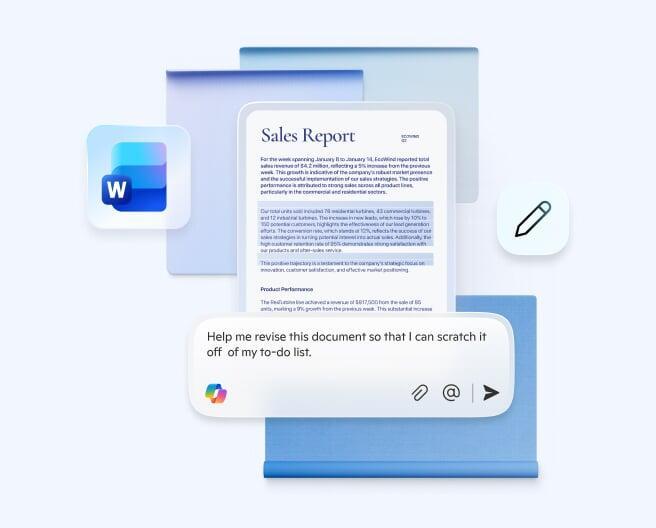
Copilot Chat is content aware, meaning it quickly understands what you're working on, tailoring answers to the file you have open. Whether you're drafting a document in Word, analysing data in Excel, or managing emails in Outlook, Copilot Chat can provide assistance without the need to constantly switch between applications.
Copilot Chat vs Microsoft 365 Copilot: What's the Difference?
Understanding the distinction between these two offerings is crucial for making the right decision for your business:
Copilot Chat (Included Free):
Copilot Chat is included at no additional cost with the Microsoft 365 business subscription you use at work or school. This version provides:
Web-grounded responses: AI chat powered by the latest large language models with information from the web
Context-aware assistance: Help within Word, Excel, PowerPoint, OneNote, Outlook, and Edge based on your open document
File uploads: Ability to upload and analyse documents
Copilot Pages: Collaborative AI workspace features
Enterprise-grade security: Built-in privacy and security controls
However, Copilot Chat is grounded in data from the web and can't invoke your work or school content on its own unless you explicitly provide it.
Microsoft 365 Copilot (Premium Add-on):
The full Microsoft 365 Copilot license unlocks significantly more powerful capabilities. In the UK, Microsoft 365 Copilot costs £24.70 + VAT per user per month or £296.40 + VAT per user per year, based on a 12-month commitment with annual payment required upfront.
The premium version offers:
Work data integration: Ability to use Copilot with your work data—like emails, files, chats, and meetings—inside Microsoft 365 apps
Microsoft Graph access: Reasoning over all your organisational content, not just individual files
Advanced features: More sophisticated AI capabilities across all Microsoft 365 applications
Priority access: Better performance during peak usage times
Usage analytics: Comprehensive measurement and management tools for administrators